mlipe

Starting in Kenya · bank, M-PESA and KRA PIN

Get paid faster, with less back-and-forth.

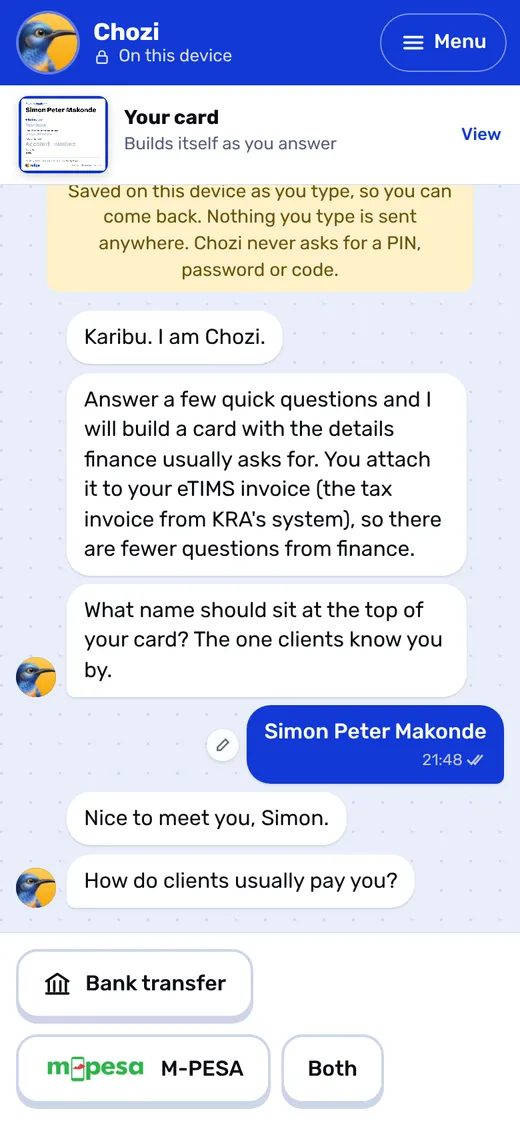
Create one payment card with your bank, M-PESA and KRA PIN, and send it with your eTIMS invoice. Finance gets what it usually asks for, in one go.
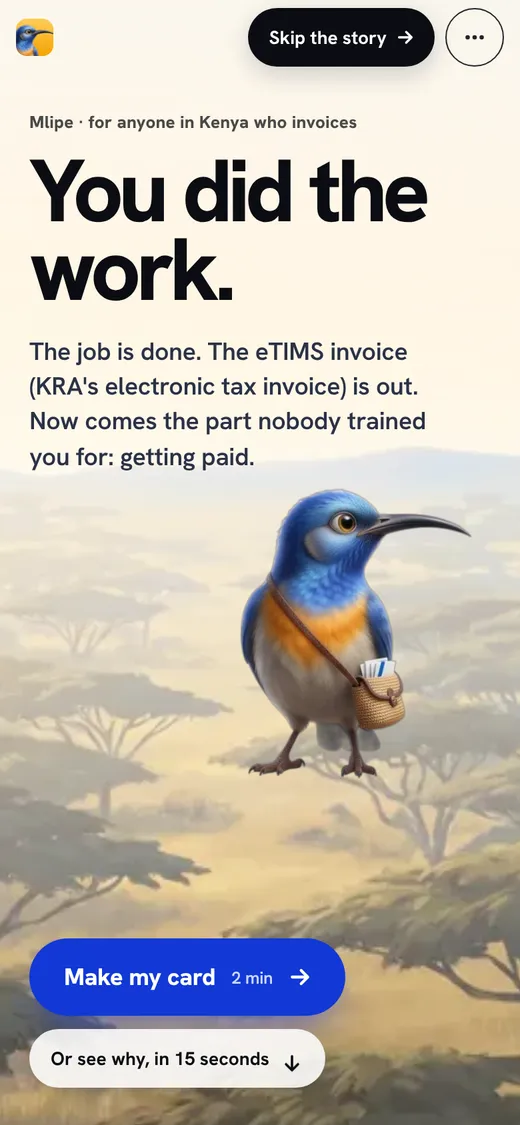
Meet Chozi, the sunbird who flies ahead of your invoice and whispers to finance: "It's all here. Mlipe." Pay them.
  • Free, no sign-up
  • Nothing you type leaves this device
  • Download image, PDF or text
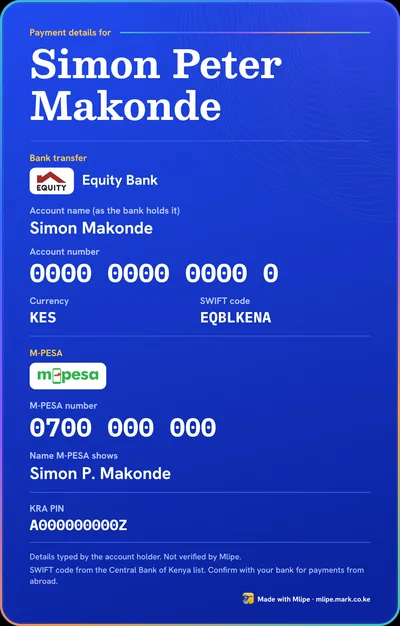
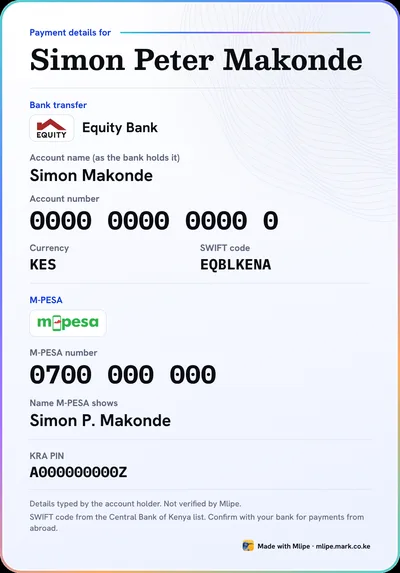
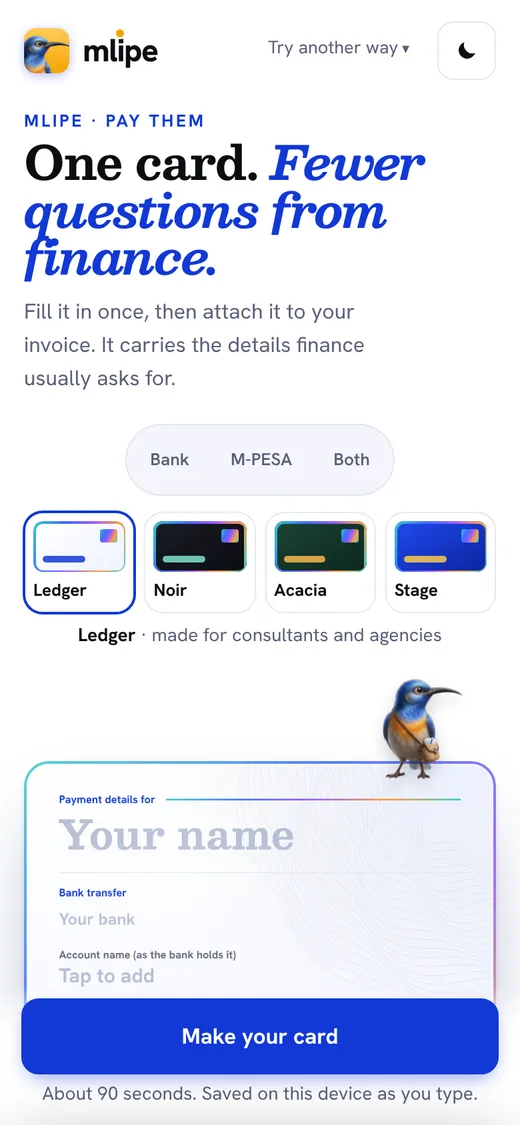
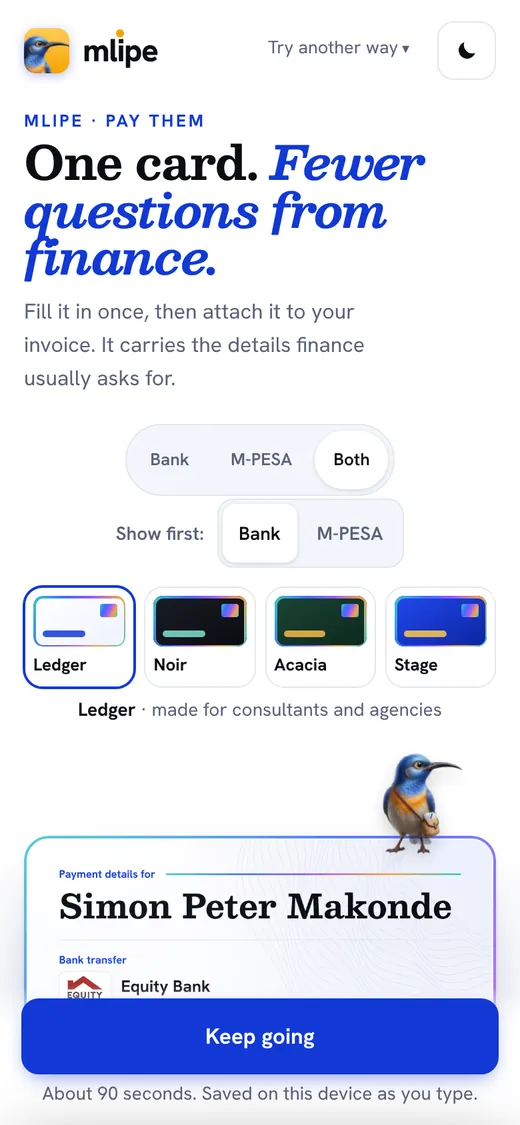
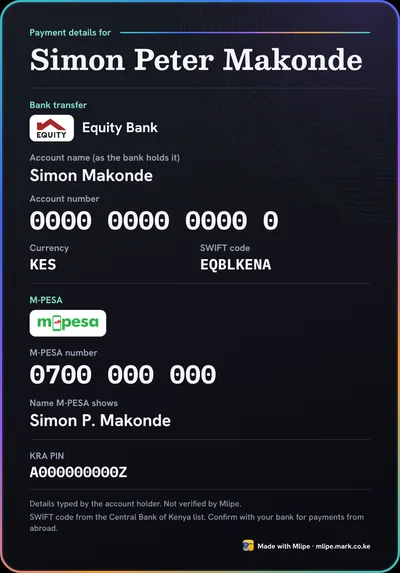
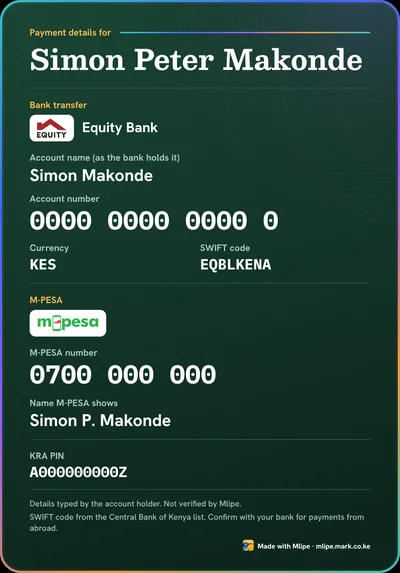
A Mlipe card in the Noir look A Mlipe card in the Acacia look A Mlipe card in the Stage look A Mlipe card in the Ledger look, for Simon Peter Makonde, with Equity Bank, M-PESA and KRA PIN details (example, zeros for numbers)

The work is done. Then come the questions.

Every one costs a day. The last one costs a week.

CA
Client · Accountsonline
  1. Monday
  2. Great session. Please send your payment details?09:12
  3. Account 0000 0000 0000009:40 ✓✓
  4. Remind me the bank again?16:40
  5. Tuesday
  6. Account name exactly as the bank has it?08:03
  7. Finance also needs your KRA PIN and SWIFT.14:21
  8. Friday
  9. The bank bounced it: Simon Peter Makonde doesn't match. Next week's run.17:20
Illustration. Names and numbers are made up.
7→1
questionscard

Before you send your eTIMS invoice, send your Mlipe card.

It answers the usual questions up front, and helps you avoid the name mismatch that can get a payment returned.
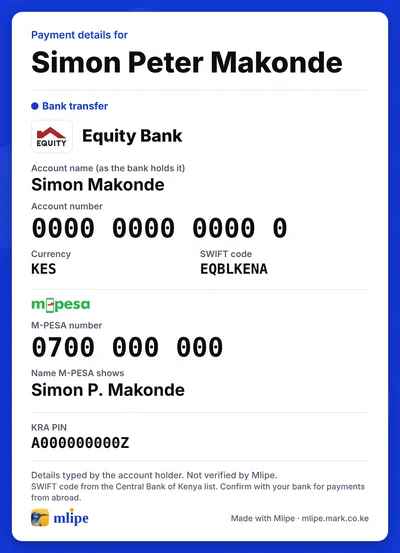
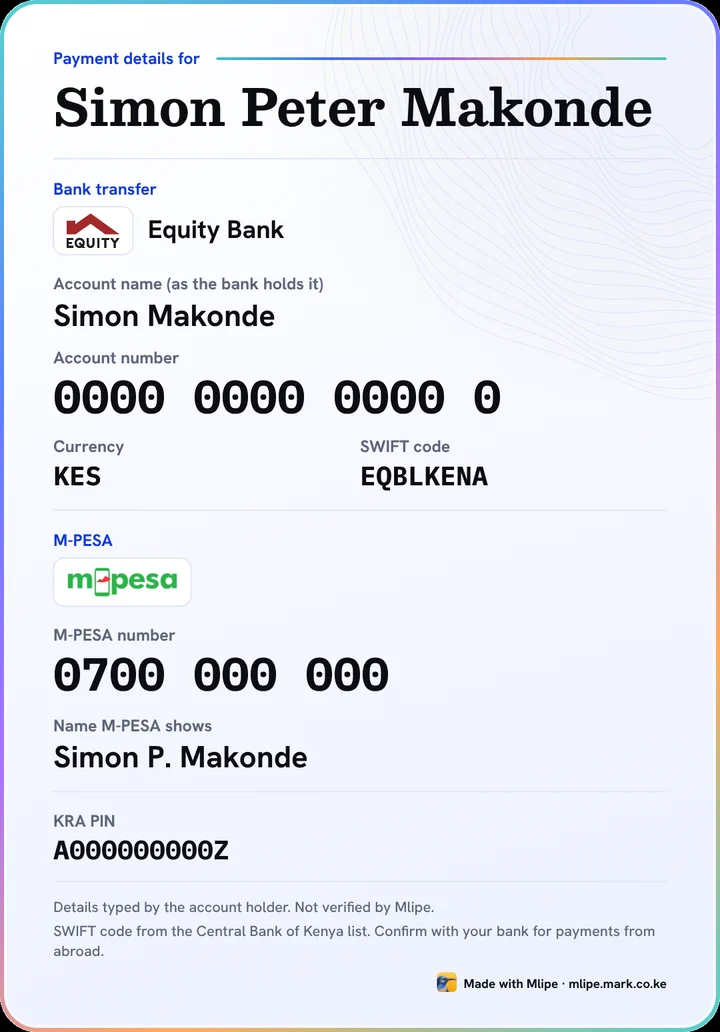
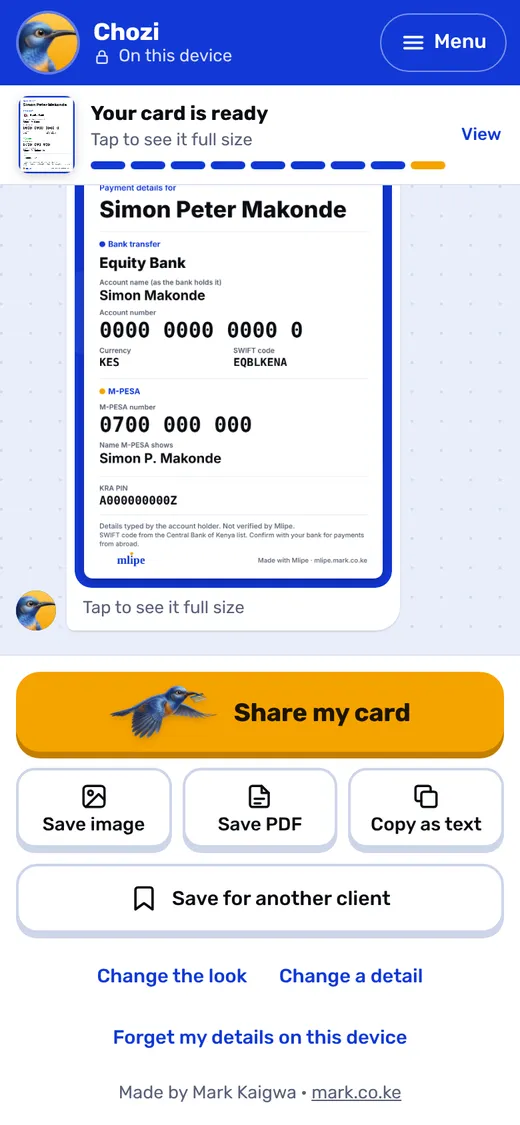
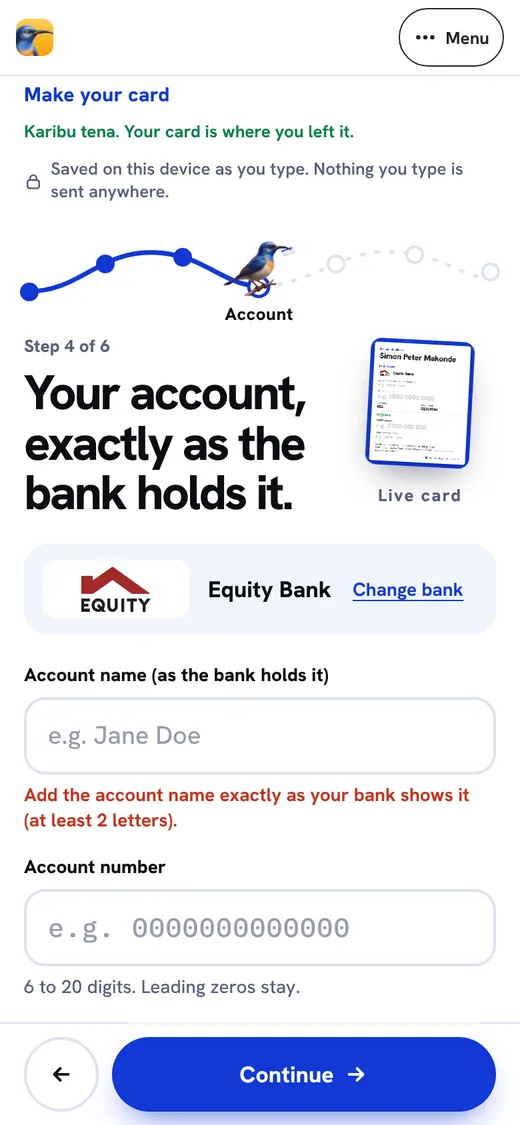
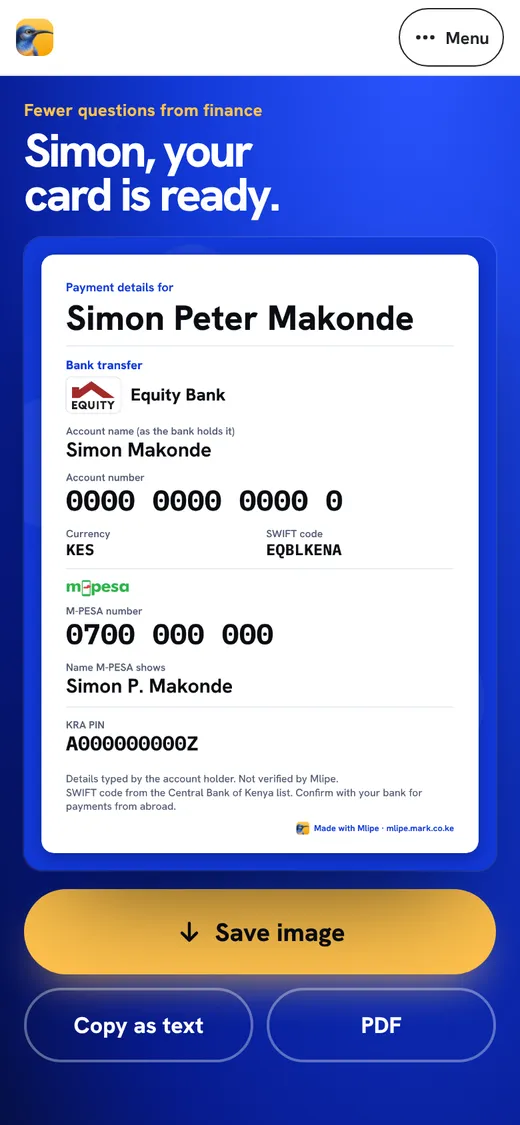
A finished Mlipe card

Make finance's job easy, and get paid sooner.

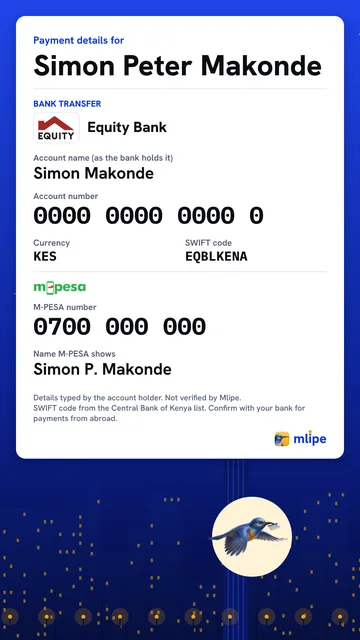
  1. 1The account name exactly as your bank holds itRight under the name you go by, so a name mismatch is less likely to get the payment returned.
  2. 2Your SWIFT code, filled in for youThe code banks use for payments from abroad, taken from the Central Bank of Kenya's list.
  3. 3Your bank's name and logo, to be sureFinance sees exactly which bank, at a glance. No guessing.
Example Mlipe card for Simon Peter Makonde showing display name, Equity Bank, account name Simon Makonde, account number in zeros, SWIFT EQBLKENA, M-PESA number and name, and KRA PIN
  1. 4Your M-PESA number, clear and where you need itWith the name M-PESA shows, so they can check it before they confirm.
  2. 5Your KRA PIN, for their tax recordsIn the same image, so finance has it on file with your invoice.
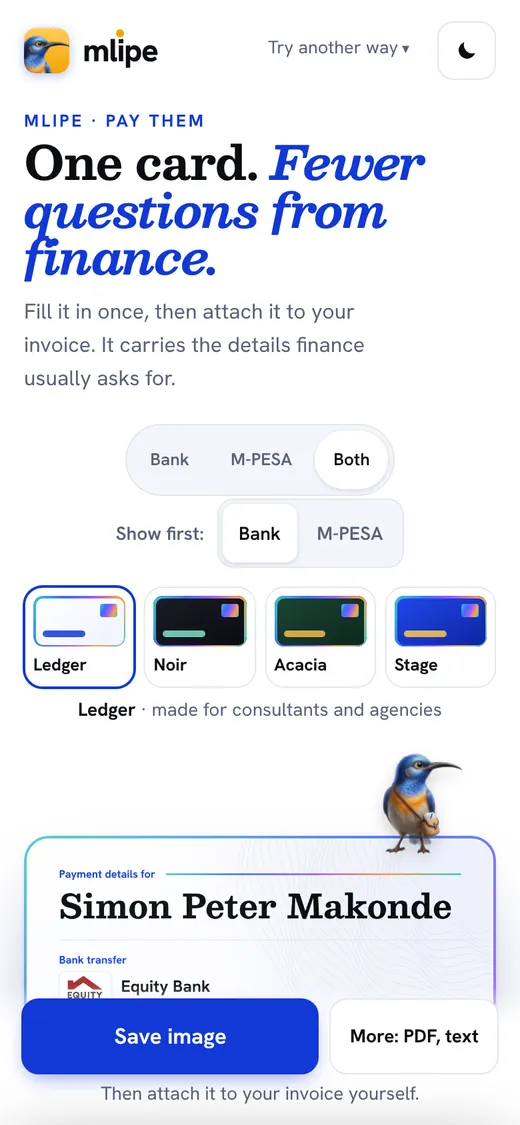
  3. 6Forward it with your invoiceDownload an image for WhatsApp, a PDF for email, or text to paste, and send it on.

3 designs. Pick the one that suits you.

The card at the end is the same, and your details follow you if you switch.
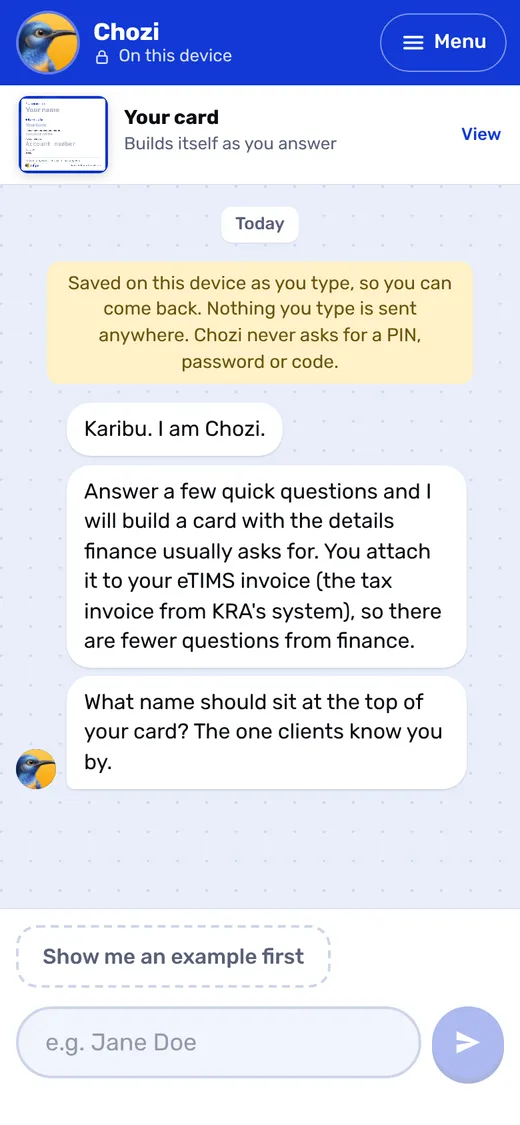
Prefer a plain form? Use the classic version.
Fill it in once. Reuse it for every client, every invoice.

A saved card for each client"Local clients" in KES, "International" in USD with SWIFT. Kept on this device, and gone when you tap Forget.
Download image, PDF or textAn image for WhatsApp, a PDF to attach to email, plain text to paste anywhere.
A tall card for WhatsApp StatusPost "Here's how to pay me" once. Status is seen by all your contacts, so Mlipe leaves your KRA PIN off it unless you add it.

It's a layout tool for details you type. That's all.

✓What Mlipe does

  • Lays out your details as one card you can save or share yourself.
  • Saves what you type on this device as you go, so you can come back. "Forget my details" clears it.
  • Fills in the SWIFT code from the Central Bank of Kenya list.
  • Prints "Details typed by the account holder. Not verified by Mlipe." on every card.

✕What Mlipe never does

  • Moves money, checks or touches an account.
  • Asks for an M-PESA PIN, password or one-time code.
  • Sends what you type to us or anyone else.
  • Checks that an account exists or belongs to you. Bank logos only show where you can be paid; no bank or Safaricom endorses Mlipe.

Privacy and terms, in plain words

Who runs it. Mlipe is a free experiment by Mark Kaigwa, part of the AI Lab at mark.co.ke/lab. There are no accounts and no sign-up. Contact Mark with questions or problems.

Your data. Mlipe does not collect your personal data. What you type stays in your browser's storage on this device until you tap "Forget my details". To show text nicely the page loads fonts from Google, which never receives what you type. The PDF tool comes from this site and runs on your device.

Use it honestly. Only make a card with your own details. If you receive a Mlipe card you don't expect, call the person on a number you already have before you pay. To report a card being misused, contact Mark.

No guarantees. Mlipe is provided as is. Check your card before you send it; you are responsible for the details on it.

Make paying you the easy part.

You can't control when finance pays. You can make sure they have everything they need to do it, in one clear card. Starting in Kenya, with more countries to come.

An acacia over the Kenyan savannah at golden hour, with Chozi's hanging nest and two eggs inside